
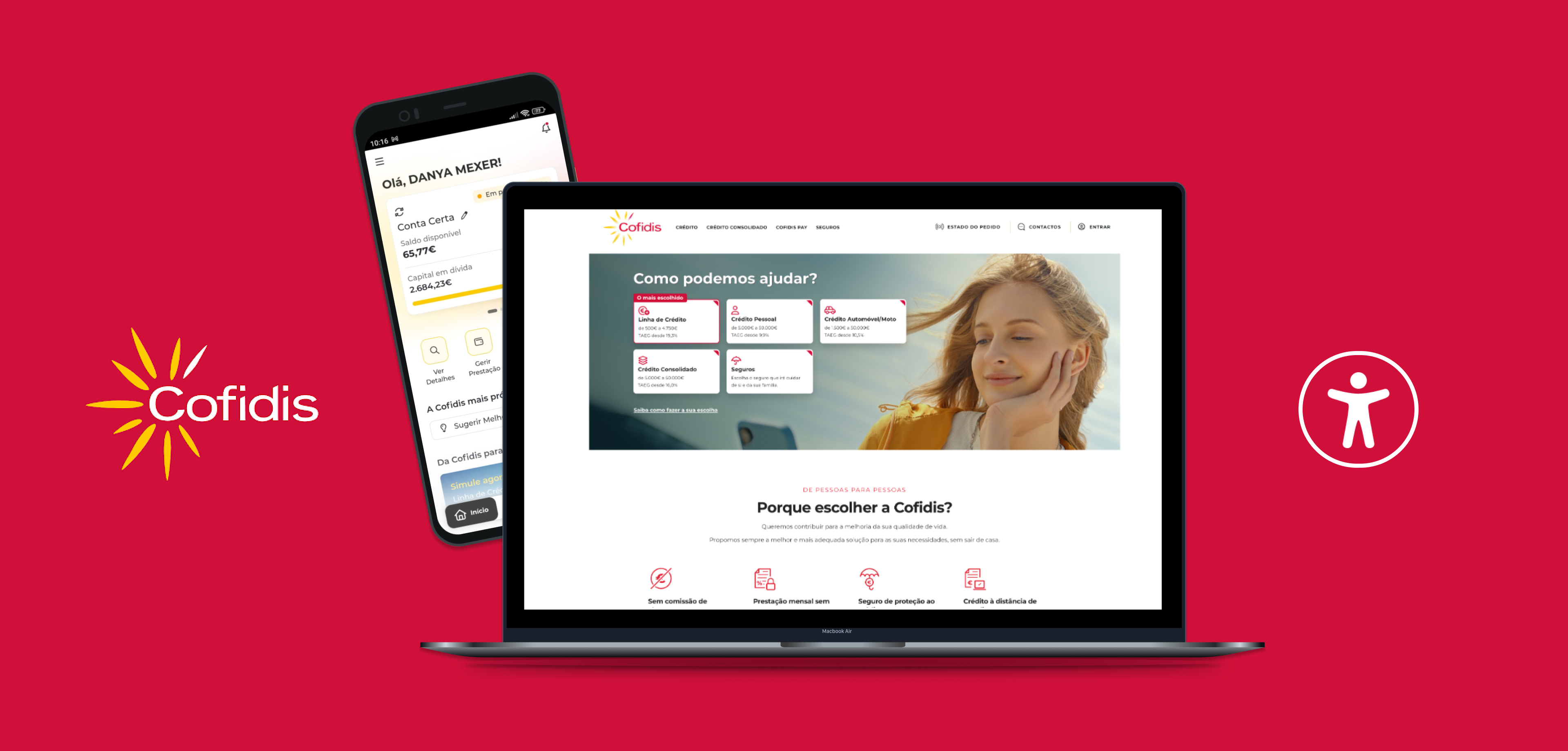
European Accessibility Act compliance of Cofidis website and apps interfaces
Summary
Conducted audits of Cofidis’ website and mobile apps using assistive technologies, and moderated usability testing with 18 users with disabilities to identify and resolve compliance gaps with the European Accessibility Act (EAA).
Product
Cofidis is a leading consumer credit institution in Portugal, offering personal loans and financial solutions through fully digital and remote channels.
Date
2025
My role
Accessibility Lead and Researcher
Softwares
Voice Over, NVDA, Talkback, Figma, Notion, Power Point
The main issue
Inconsistent accessibility across key user journeys on the Cofidis website and mobile apps. Many users with disabilities encountered barriers when navigating, filling out forms, or accessing essential content, such as loan information, resulting in confusion, dropped interactions, and non-compliance with core EAA requirements.

The goal
Make Cofidis’ website, private area and apps easier to use for people with disabilities by identifying and fixing accessibility problems. This would help everyone complete important tasks like applying for loans without frustration and ensure the platforms follow the European Accessibility Act.

The process
Audit
based on the European Accessibility Act requirements, which is based on EN 301 549 and WCAG.
Usability testing
with 18 users with disabilities and other needs at Lab UX
Supporting the development team
during the process of fixing accessibility issues.
Re-audit new version
We identified key products, user journey flows, and primary development languages
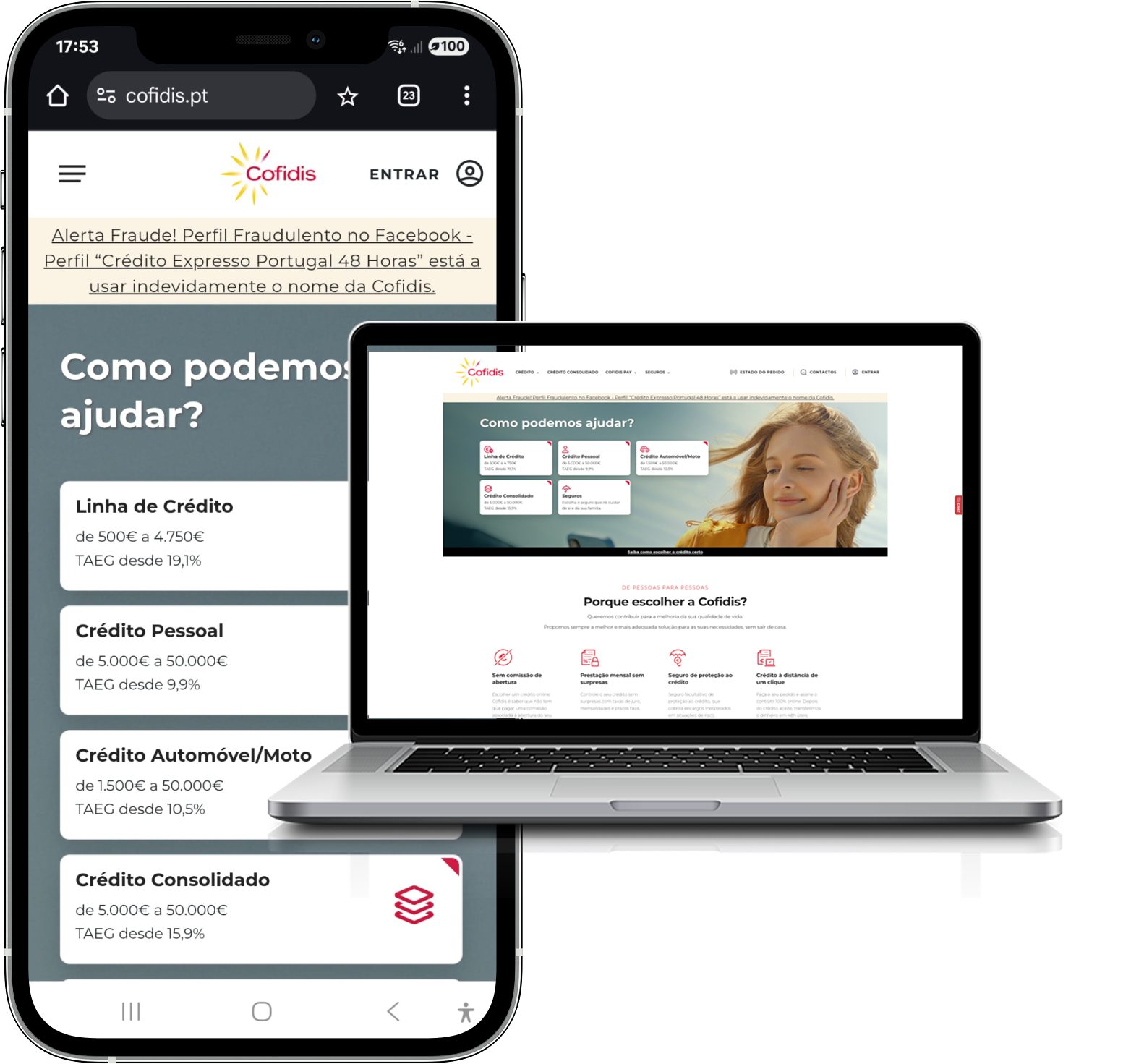
Cofidis Website
Website development used a combination of Vue.js and OutSystems Reactive technologies.
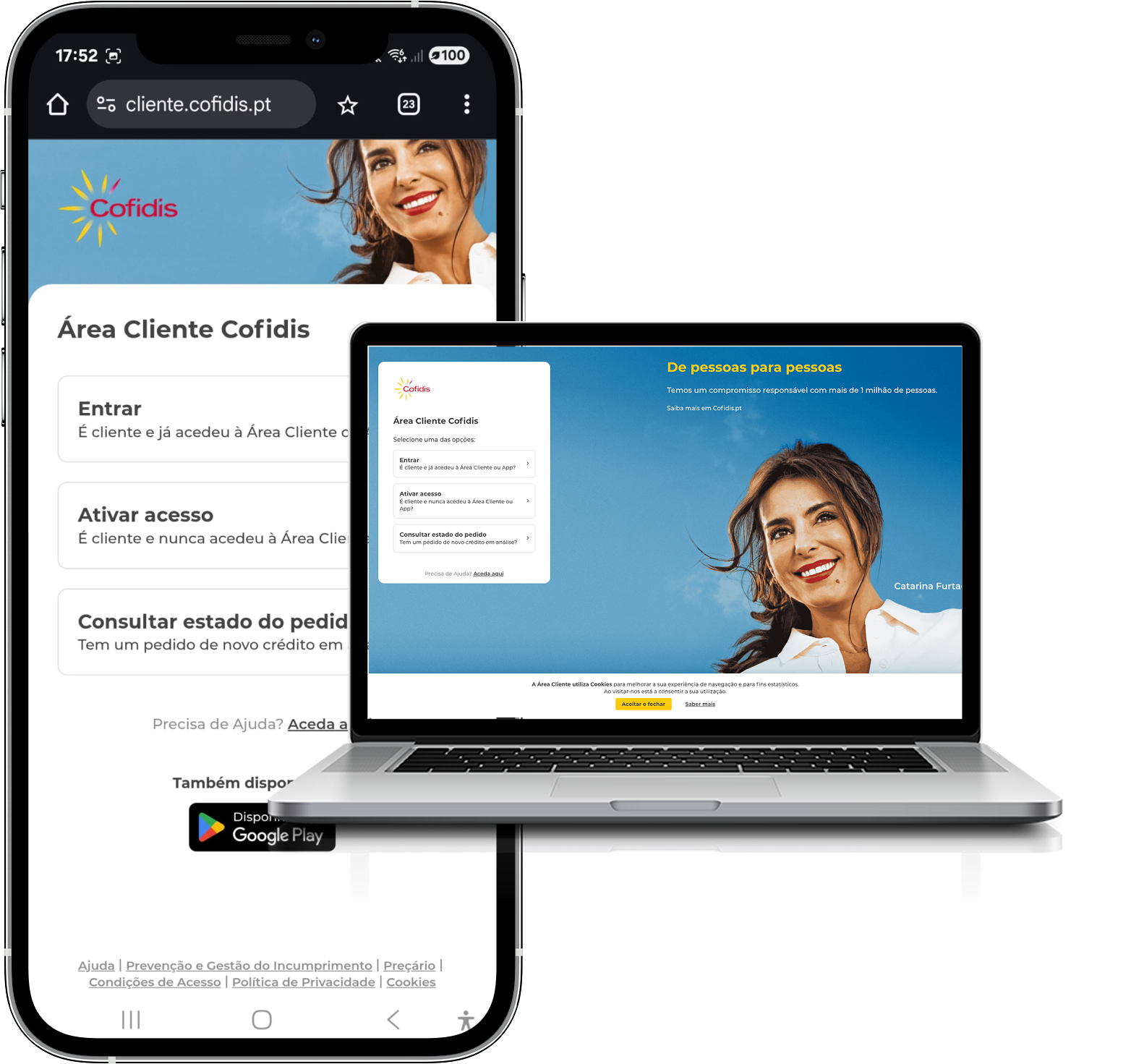
Cofidis Customer Area
Website development used OutSystems Reactive technology.
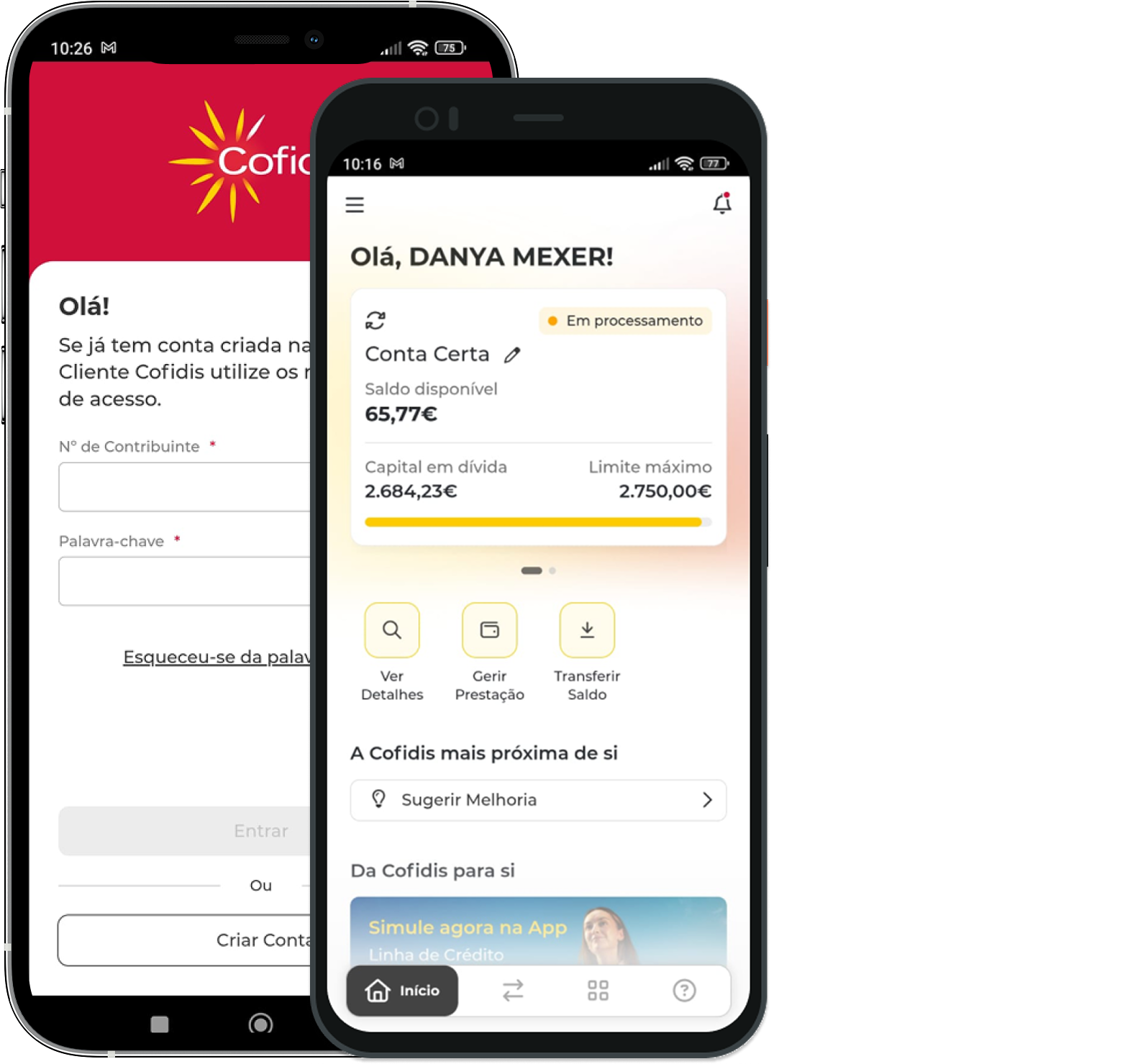
Cofidis App
App development used OutSystems Mobile technology.
A manual accessibility audit was conducted in accordance with the EAA
The following products were audited in the User Acceptance Testing (UAT) stage :
- Desktop and mobile versions of the Cofidis public website.
- Desktop and mobile versions of the Cofidis Customer Area.
- Android and iOS versions of the Cofidis app.
The following assistive technologies were used to audit the products:
- Screenreaders: VoiceOver, Talkback and NVDA.
- Keyboard
- Zoom and magnifier
- Voice recognition
- High contrast and color inversion
- Landscape view

As a result, 3 separate reports were made, one for each product: Website, Customer Area and Apps.
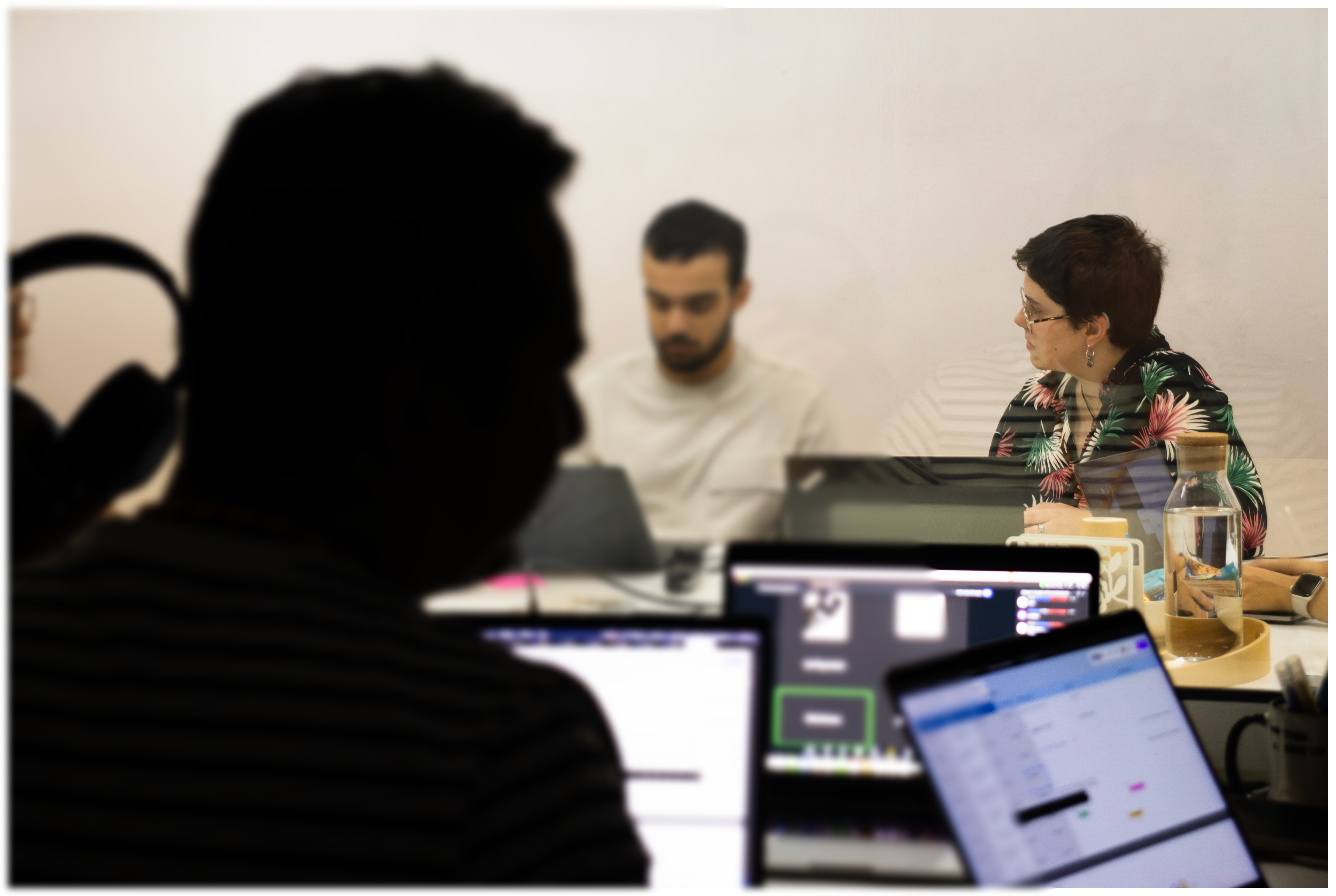
The 18 users with needs across desktop and mobile that talked to us
18
users total
3
had done a credit before
3
were aged over 40
7 users for Cofidis Website
- 4 blind users
- 2 color blind male users
- 1 user with TDAH
5 users for Cofidis Customer Area
- 1 blind user
- 1 user with low vision
- 1 user with dyscalculia
- 1 user with autism
- 1 user in a wheelchair
6 users for Cofidis App
- 3 blind users
- 1 user with low vision
- 1 user with dyslexia
- 1 user with broken arm

“Having these side links all the time is fine, but this is annoying…when I press H [of NVDA], if the personal data section had a heading, I could come straight here and wouldn’t have to go through all the sidebar items again.””
— User, blind navigating with a screenreader
What were some of the accessibility issues we found?
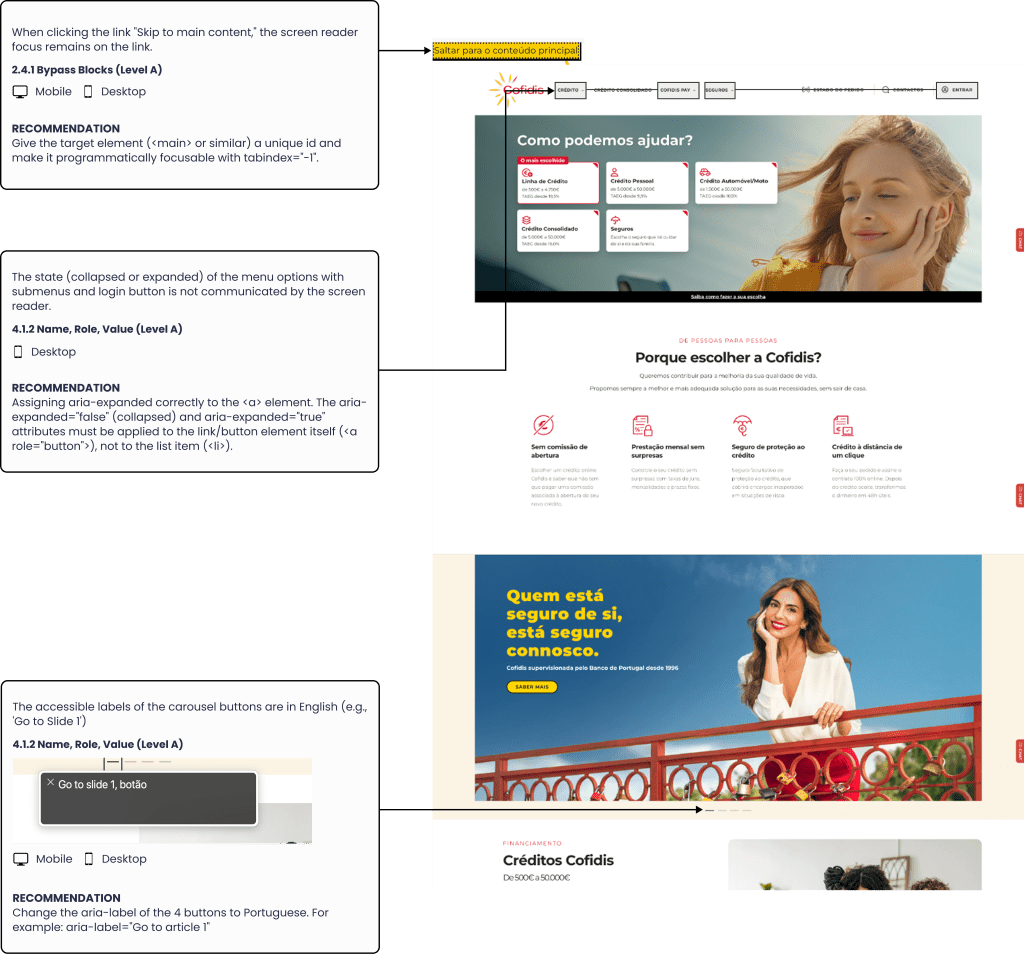
1. It is not possible to navigate through the sub-options of the main menu with the screenreader or keyboard
WCAG CS 1.3.1. Info and Relationships (Level A)
2. Keyboard navigation does not follow a logical sequence, continuing to read content behind the modals.
WCAG CS 2.4.3 Focus Order (Level A)
How did we help the development team fixing the issues?
Created a PDF report
Identify common accessibility issues for each WCAG success criterion, rate their impact on users with disabilities, and provide the most accessible solutions to solve them.
Created a Figma file
Used a Figma file to identify local accessibility issues in components such as buttons and menus, focusing on contrast ratios, focus indicators, and keyboard navigation.
The final result
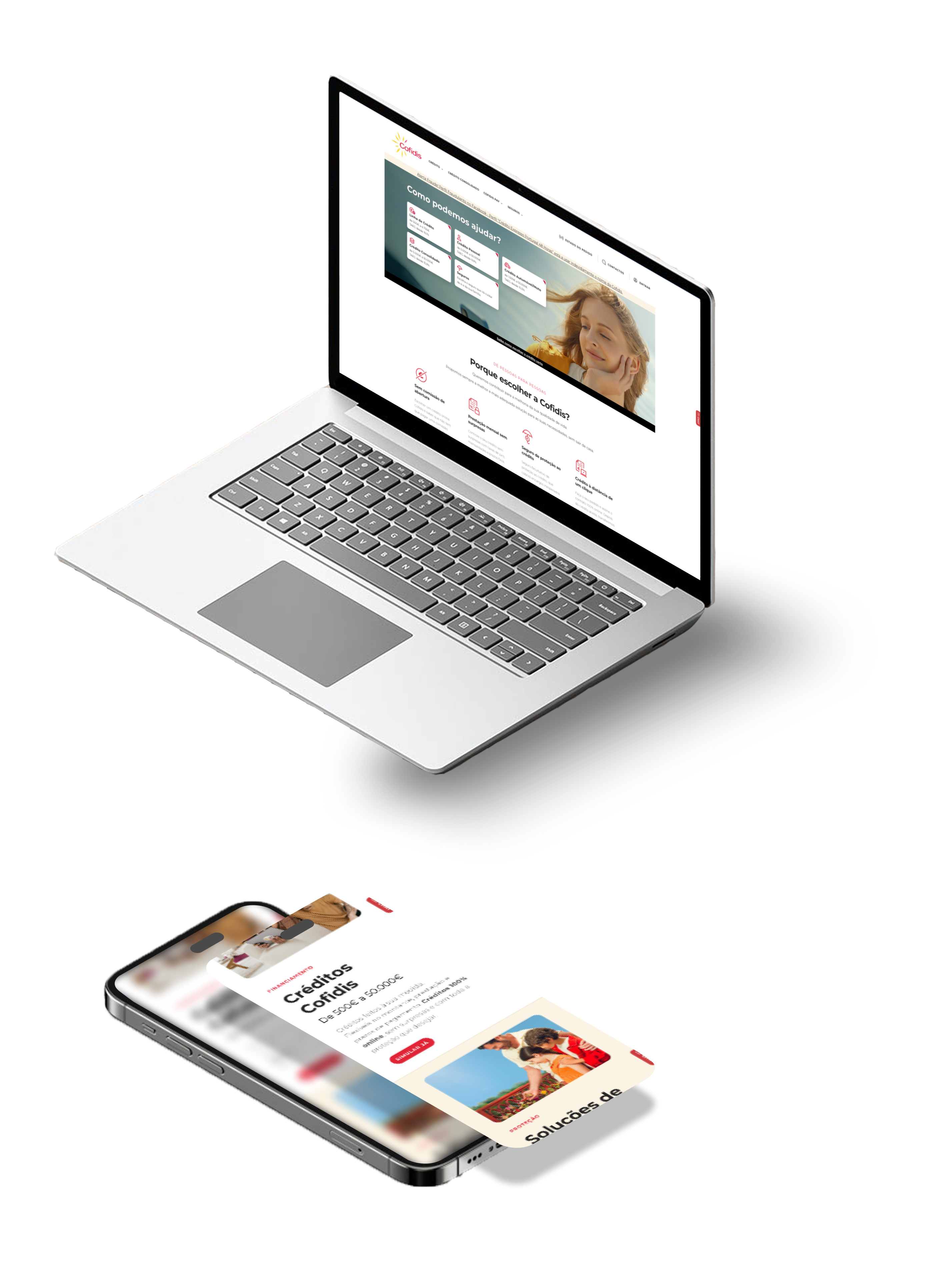
Cofidis has addressed and fixed accessibility issues on some pages of their website, including the simulators, and has published its first Accessibility Statement!

What did I learn?
EAA compliance is not enough to make a website or app truly accessible
Meeting accessibility regulations like the EAA (European Accessibility Act) is just the starting point. True accessibility means designing interfaces that are usable and intuitive for all users, not just technically compliant. Compliance doesn’t guarantee a good experience.
Testing in real environments with assistive technologies give us better results
Simulated data and testing environments might catch technical issues, but they often miss how users with disabilities actually experience your product. Real-world testing with real users and assistive technologies is essential to uncover the true accessibility challenges.
Accessibility must be considered and maintained throughout the entire process
Accessibility is not a one-time checklist or a post-launch fix, it is an ongoing commitment that must be embedded into every stage of the product lifecycle. When new features are released or existing components are updated, even small changes can unintentionally introduce new barriers for users with disabilities.
To ensure a truly inclusive experience, accessibility needs to be a shared responsibility across teams, from designers and developers to testers and product managers. This means considering accessibility during planning, using semantic HTML and accessible components during development, and conducting thorough testing with assistive technologies before anything goes live.
It’s important to know how to operate the assistive technologies your users use
To effectively test with people with disabilities, I needed to understand the assistive technologies they rely on, like screen readers, magnifiers, voice navigation. This helped me follow their interactions, understand their feedback, and provide support if something goes wrong during testing. For example, when screenreader gets stuck and the user needs help to get back to a starting point for the next task.
 andreia duarte costa